Introduction
Visual pressure is increasing. Customers compare in seconds. An AI virtual mannequin then becomes a precise lever. It accelerates the production of visuals and try-ons. It reduces costs while maintaining quality. Quebec SMEs can adopt it without excessive complexity.
Definition and Implications of an AI Virtual Mannequin
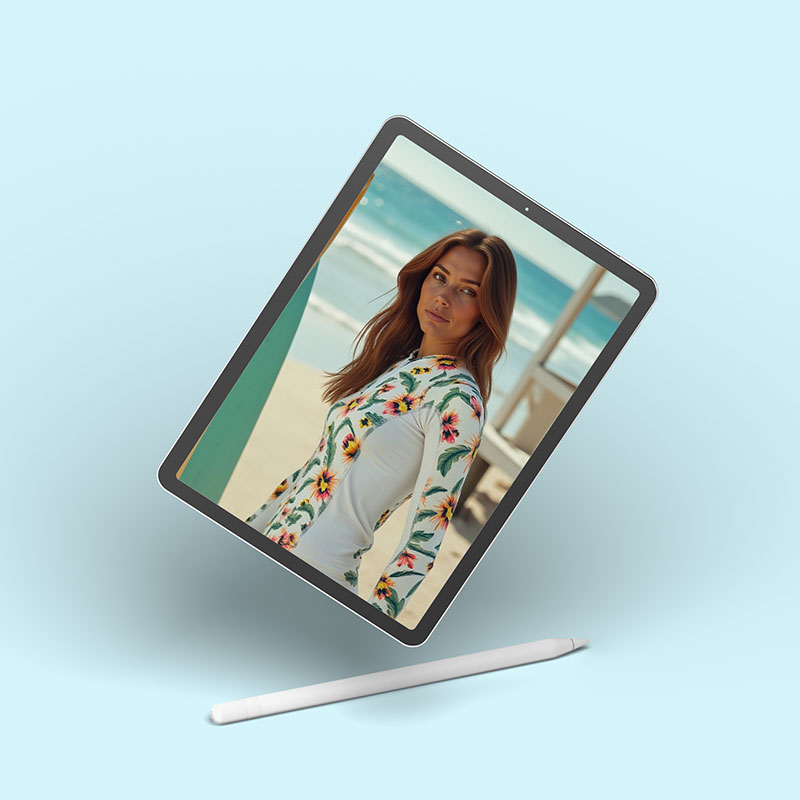
An AI virtual mannequin refers to a digital model. It presents products with generated images or videos. The AI adjusts the pose, morphology, and lighting. The result appears natural and consistent.
From Avatar to Realistic Try-On
The tool ranges from a simple avatar to a digital twin. It manages sizes, skin tones, textures, and movements. A t-shirt adjusts to a chosen silhouette. The rendering respects the material and cut. Virtual try-on brings the experience closer to reality. It reduces purchase doubts.
Why Now in Quebec
Three factors are converging. Filming costs are increasing. Online customer expectations are skyrocketing. AI tools are becoming affordable. Montreal is a hub for AI expertise. SMEs can test quickly, without a heavy internal team.
Strategic Uses of AI Virtual Mannequins for SMEs
Use cases are multiplying, especially in commerce. They cover acquisition, conversion, and retention.
E-commerce and Product Catalogs
On product pages, the AI virtual mannequin shows multiple body types. It reassures customers about size and fit. Local example: a boutique in Quebec publishes each dress on three silhouettes. Returns decrease by 12% in three months. The conversion rate climbs by 18%. Photo costs drop by 35%.
For a seasonal catalog, scaling changes everything. You can develop 100 color variations in a few hours. Lead times go from three weeks to three days. Inventory turns over faster.
Social Media, Showcases, and Advertising
On Instagram, TikTok, and Meta, speed wins. An AI virtual mannequin allows for 20 variations of the same look. You can test formats and poses. A retailer in Montreal creates weekly A/B tests. The cost per view drops from $22 CAD to $16 CAD per 1,000 views.
In a digital storefront, the avatar brings the collection to life. The message becomes clear and localized in French. Passersby understand the offer in two seconds.
Costs and ROI of an AI Virtual Mannequin
The cost depends on the level of realism, volume, and rights. ROI is measured by conversion and returns.
Realistic Cost Ranges in Quebec
- Entry-level (AI avatar SaaS): $30 to $200 CAD per month. Good for social media and testing.
- Intermediate (3D virtual try-on, e-commerce connector): $1,000 to $5,000 CAD for setup, then $300 to $900 CAD per month.
- Custom CGI/3D studio: $10,000 to $50,000 CAD per campaign. For brands with high requirements.
- Traditional photoshoot comparison: $8,000 to $20,000 CAD per day. Casting, studio, retouching, and rights included.
These amounts vary depending on volumes and advertising use. Also factor in internal time. Two to four hours per week are sufficient for an organized SME.
Calculate a Simple and Verifiable ROI
Start with three indicators: conversion rate, return rate, and cost per creation. Examples observed in retail:
- Conversion: +10% to +30% depending on categories.
- Returns: -5% to -15% thanks to varied body types.
- Content cost: -25% to -60% per product visual.
A typical case in Laval: 1,500 monthly sales, average order value $85 CAD. A 12% conversion gain adds 153 sales. Net margin 15%: +$1,951 CAD per month. The $400 CAD license quickly becomes profitable.

Integrating Virtual Mannequins into Your Tools
Success comes from system integration. Data flows must remain simple and reliable.
Production Chain: From DAM to Sales Channel
Organize assets in a clear DAM. Use folders by season, product, and usage. Connect your PIM for sizes, materials, and colors. The AI retrieves these fields without re-entry.
For distribution, link your CMS:
- Shopify or Shopify Plus for e-commerce.
- WooCommerce or Lightspeed (Montreal) for points of sale.
- Meta, TikTok, and YouTube for advertising and social media.
Automate exports. A daily feed updates images, videos, and variants. Time-to-market drops. Your team retains control over validation.
Quality, Consistency, and Structured Data
Establish a style guide from the outset. Define poses, backgrounds, lighting, and framing. Avoid discrepancies between collections.
For SEO, consolidate the basics:
- Schema.org Markup: Product, ImageObject, and VideoObject.
- Descriptive alt texts in French.
- Clear file names: product-color-size.jpg.
- Consistent local data (NAP) on site and profiles.
For Google Images and Merchant Center, respect ratios and sharpness. Add French variations for Quebec. Examples: “tuque”, “chandail”, “bottes d’hiver”.
Ethical and Legal Framework in Quebec
Compliance builds trust. It reduces litigation and reputational risk.
Privacy, Transparency, and Language
Law 25 governs personal information in Quebec. Avoid training a model with non-consenting faces. Document visual sources. Maintain a register.
Indicate the nature of the content when relevant. Mention “AI-generated image” on explanatory pages. Advertising Standards Canada recommends clarity. The Charter of the French Language applies. Offer the interface and information in French. The OQLF may intervene in case of non-compliance.
Right to Image, Copyright, and CASL
Never imitate an identifiable person without written authorization. Unauthorized resemblances pose a problem. Secure contracts for human models used as a basis.
Copyright in Canada requires human contribution. AI-generated works may have limited protection. Keep a record of human artistic direction. Retain prompts and retouches.
CASL (anti-spam law) governs your commercial emails. Obtain consent. Identify the sender. Offer an unsubscribe mechanism. Be clear about virtual try-ons offered via email or SMS.
Roadmap for Adopting an AI Virtual Mannequin
Moving forward in stages limits risks. Gains appear quickly.
60-Day Pilot with Clear Objectives
Select a strong category. Define a primary KPI. Example: +10% conversion on women’s tops. Set two secondary KPIs: returns and visual cost.
Plan four weekly sprints:
- Tool onboarding and style guide.
- Creation of 50 prioritized visuals.
- A/B test on two product pages.
- Multichannel deployment and review.
Pilot budget: $1,500 to $6,000 CAD. Depending on the tool and volume.
Scaling and Governance
If the pilot succeeds, expand. Integrate the AI virtual mannequin into the marketing calendar. Train a “content lead”. Strengthen governance:
- Two-step validation process.
- Prompt and version log.
- Quarterly legal review.
For performance, align reports. A single dashboard tracks conversion, returns, and costs. Link GA4 and your advertising platforms. Compare AI and classic image cohorts.
Concrete Examples in Quebec
The fashion, sports, and beauty sectors are advancing quickly. Furniture and optics are following suit.
Fashion Retail in Montreal
A streetwear brand launches 120 seasonal products. It replaces 70% of photoshoots with CGI. Results in eight weeks:
- Time to market: -60%.
- Content cost: -45%.
- Mobile conversion: +19%.
Budget: $12,000 CAD for installation and training. $600 CAD per month for licensing.
Sports Store in Estrie
A bike retailer tests virtual try-on for jerseys. Three body types per model. Results over 90 days:
- Returns: -11%.
- Customer inquiry rate: -28%.
- Social CPM: from $21 to $15 CAD.
The merchant keeps one photoshoot per quarter for hero visuals. AI covers variants and colors.
Key Takeaways and Planning for SMEs
The AI virtual mannequin is not a trend. It’s an evolving visual standard. Early adopters gain speed and precision. Risks remain manageable with good processes. The Quebec framework requires clarity, French language, and consent. A well-structured pilot quickly reveals its value. The key: aim for quality, not quantity. A solid style guide ensures consistency. The numbers follow.
Sources and References
Official References (Quebec and Canada)
- Law 25 – Protection of Personal Information (Quebec): https://www.quebec.ca/gouvernement/ministere-cybersecurite-numerique/loi-modernisant-dispositions-protection-renseignements-personnels
- OQLF – Charter of the French Language: https://www.oqlf.gouv.qc.ca/
- CASL – Canada’s Anti-Spam Legislation: https://combattrelepourriel.gc.ca/
- Advertising Standards Canada: https://www.adstandards.ca/fr/
- Consumer Protection Office: https://www.opc.gouv.qc.ca/
Local Tools and Platforms
- Google Business Profile: https://www.google.com/business/
- Bing Places for Business: https://www.bingplaces.com/
- Apple Business Connect: https://businessconnect.apple.com/
- Yellow Pages: https://www.pagesjaunes.ca/
- Lightspeed (Montreal): https://www.lightspeedhq.ca/
SEO Studies or Standards
- Schema.org – Product, ImageObject, VideoObject: https://schema.org/
- Whitespark – Local Search Ranking Factors: https://whitespark.ca/local-search-ranking-factors/
- BrightLocal – Consumer Review Survey: https://www.brightlocal.com/research/